
WalkTeaming Support
Need help with WalkTeaming? Use the guidance below or contact WalkTeaming LLC directly. For a picture-by-picture setup walkthrough, see InstallQuestions.com.
Get the app
iPhone: get WalkTeaming from the App Store. It reads your daily step count from Apple Health.
Android: get WalkTeaming from Google Play. It reads your daily step count from Health Connect.
Connect your steps
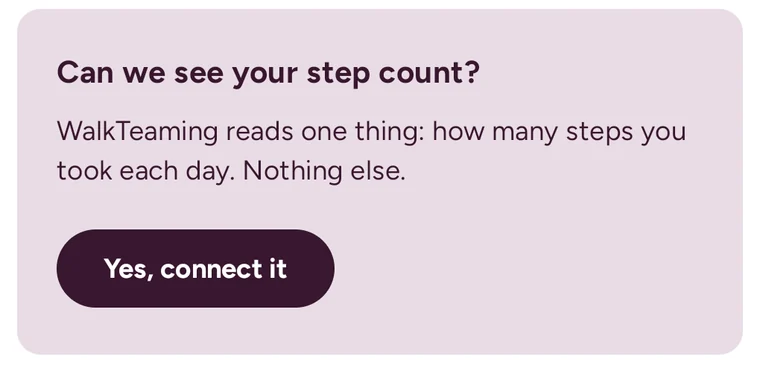
When WalkTeaming asks “Can we see your step count?”, tap Yes, connect it.
iPhone: Apple Health opens and lists Steps. Turn Steps on and tap Allow.
Android: Health Connect opens. Turn on Steps and tap Allow.
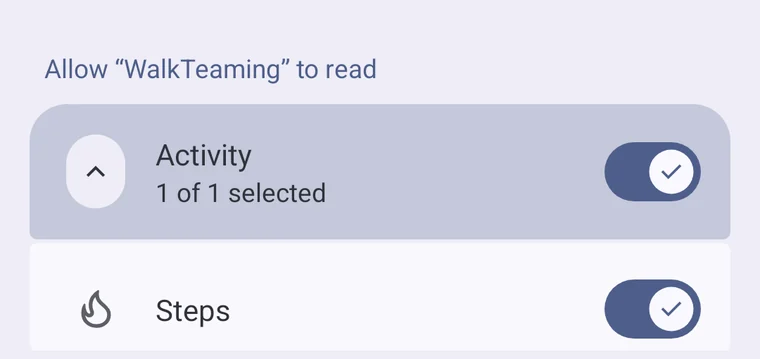
WalkTeaming does not request location, routes, heart rate, distance, speed, or pace.
Sign in and play
Sign in with your Google account or with Apple. You are placed on a five-person team automatically, so there is no team to find or create. A day of at least 2,337 steps counts, and your best qualifying day becomes your score for the weekly matchup.
Want to be on a team with a friend? On the Team page, enter their sign-in email under Bring someone with you. Once they accept, you can be drawn onto the same team when the next month’s teams are made.
Steps not showing?
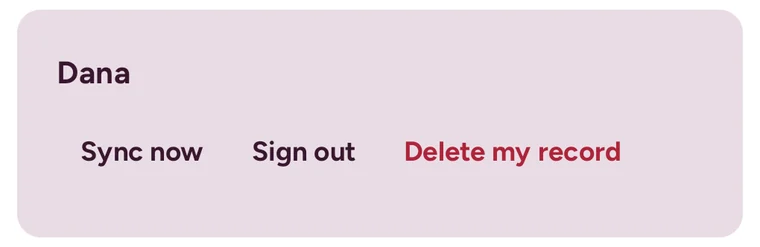
Open the You page and tap Sync now. If your steps still do not appear, check that WalkTeaming is allowed to read Steps in Apple Health (iPhone) or Health Connect (Android).
Samsung phones: Samsung Health only shares steps with Health Connect after one setting is on. In Samsung Health, open Settings and turn on Sync with Samsung Cloud. Then, under Privacy, turn on Consent to the processing of health and wellness data, close Samsung Health and open it again.
Membership and canceling
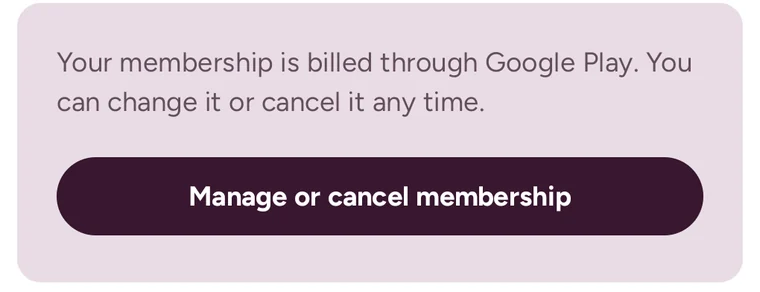
Your membership is billed by Apple or Google Play. Open the You page and tap Manage membership (iPhone) or Manage or cancel membership (Android) to change or cancel it.
Account and data
You can remove your WalkTeaming app record from inside the app. Full instructions are on the Delete your WalkTeaming account page.
Contact support
Email info@walkteaming.com. Include your phone model, whether it is an iPhone or Android phone and its software version, and a short description of what happened.