For the activities director
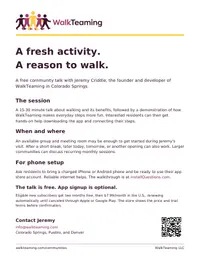
The talk, setup, subscription details, what residents will see, and Jeremy’s contact information. Two pages.

A free talk for your community about the benefits of walking and how to make it more fun, followed by live WalkTeaming setup for residents who want to join.
Contact Jeremy about a visitPrint or email the materials
Jeremy Criddle is the founder of WalkTeaming LLC in Colorado Springs and the designer and developer of WalkTeaming.
He brings the talk, demonstrates the app, and helps residents set it up on their own phones.
Residents can enjoy the talk, ask questions, and decide whether they want to try WalkTeaming.
A practical conversation about everyday walking, its benefits, and finding ways to fit a little more movement into the day.
A live look at the daily step counter and the five-person teams that play a new opponent each week.
Jeremy guides interested residents through downloading the app, connecting their steps, and finding their way around.
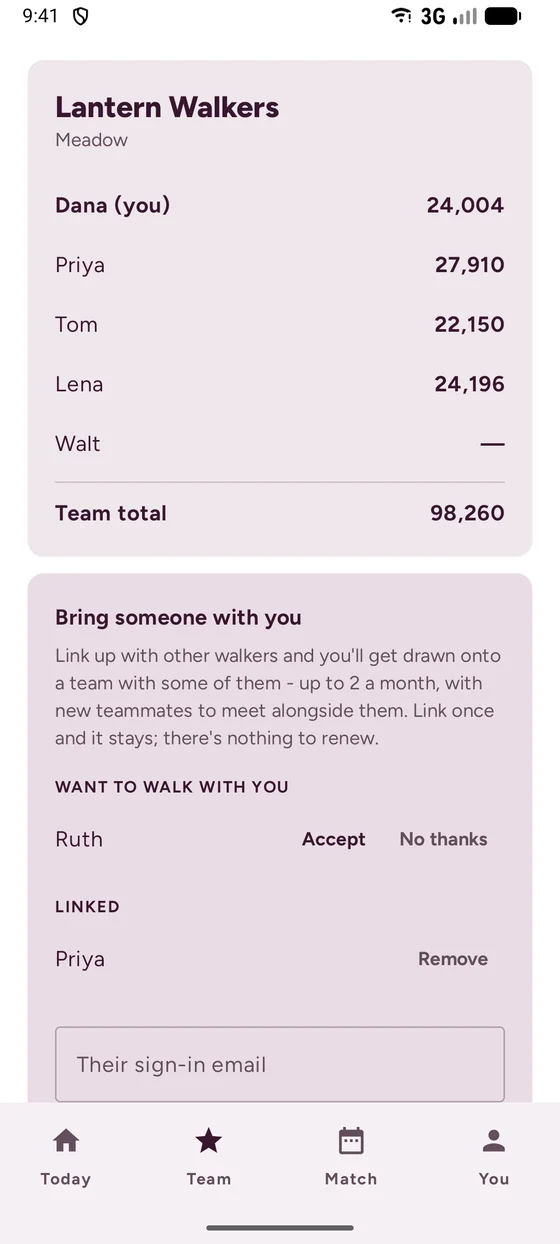
The app has four pages, reached from the bar at the bottom of the screen. Big numbers, plain words, and nothing to set up beyond connecting their steps.
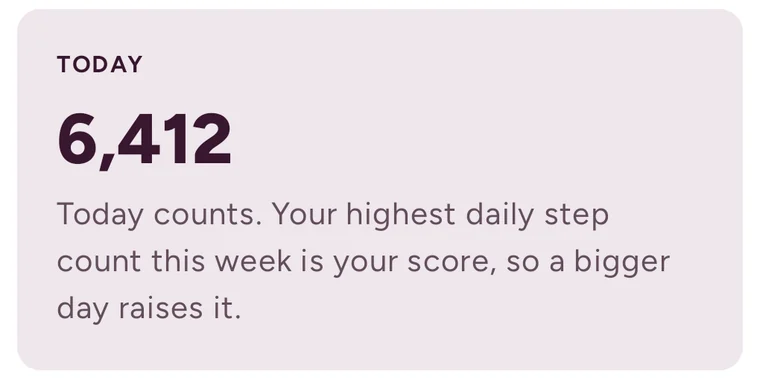
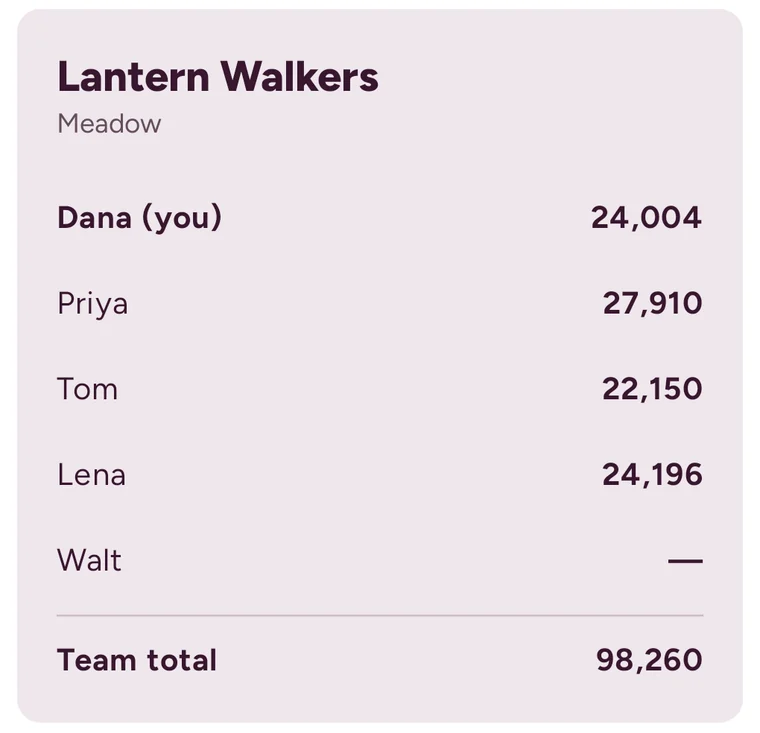
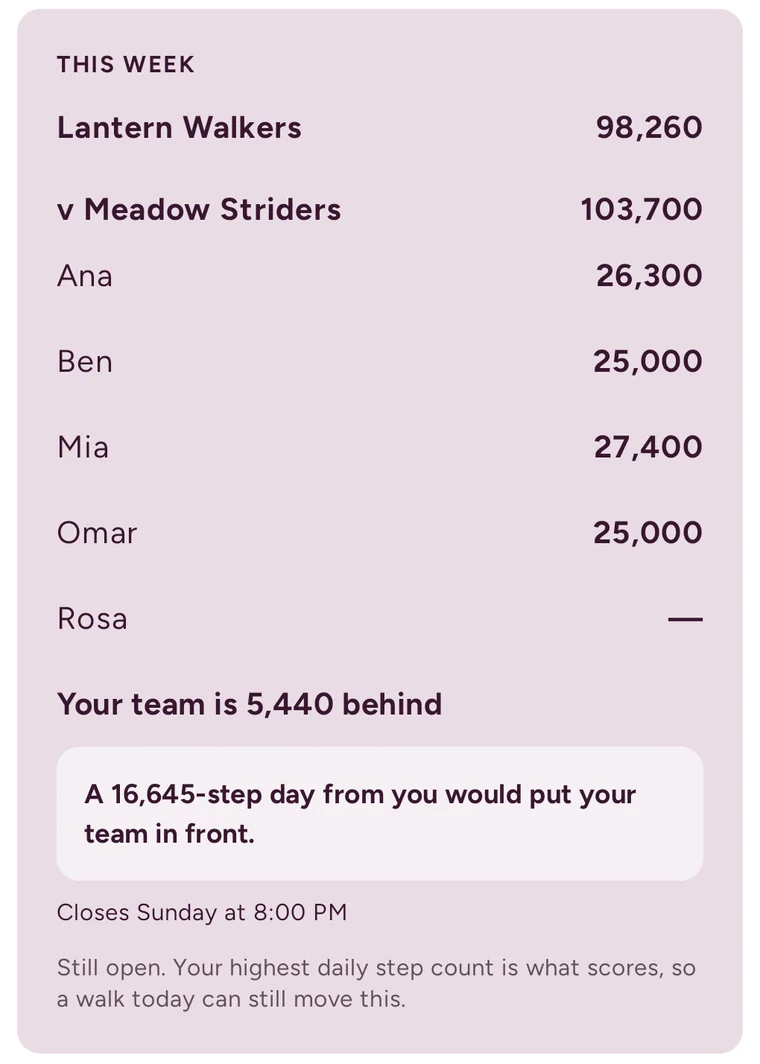
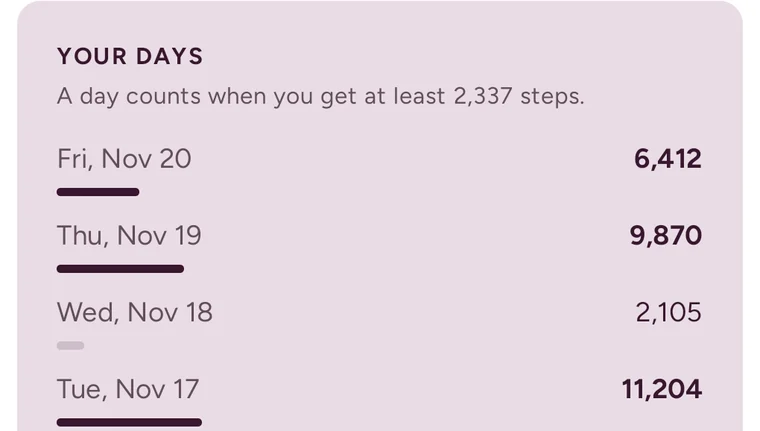
Pictures are from the app with made-up names and numbers.
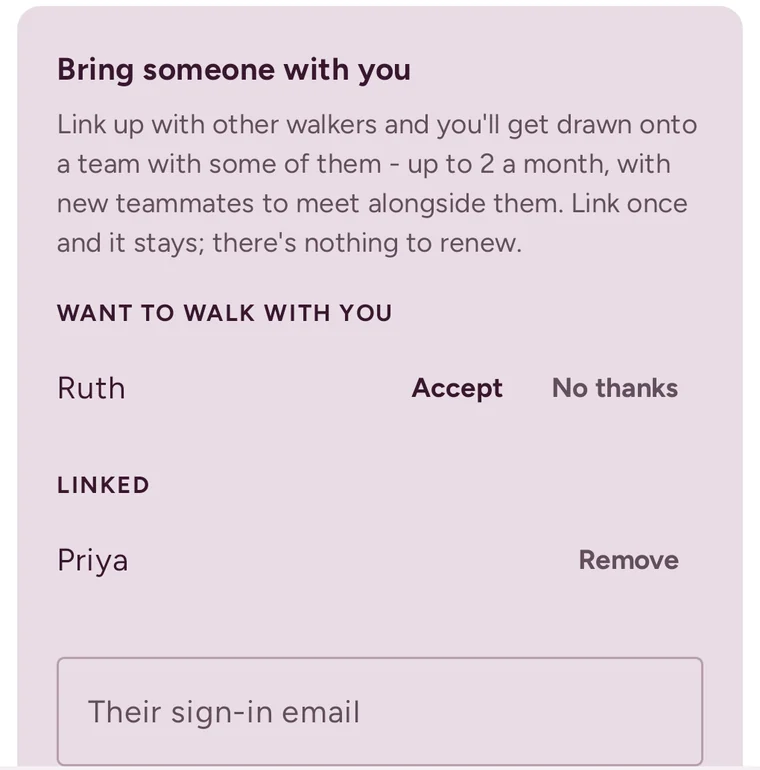
Friends and neighbors can ask to be on the same team.
Teams are drawn on the 1st of each month. Residents who link up in the app are drawn onto a team with up to two of their linked friends, along with new teammates to meet. Link once and it stays, with nothing to renew.
Teammates never have to walk together. One can do laps of the hallway in the morning while another walks to the dining room after lunch, and both days count.
Jeremy walks each interested resident through these steps on their own phone.
From the App Store on iPhone or Google Play on Android. This needs their Apple or Google account password.
With their Google account or with Apple. No new password to remember.
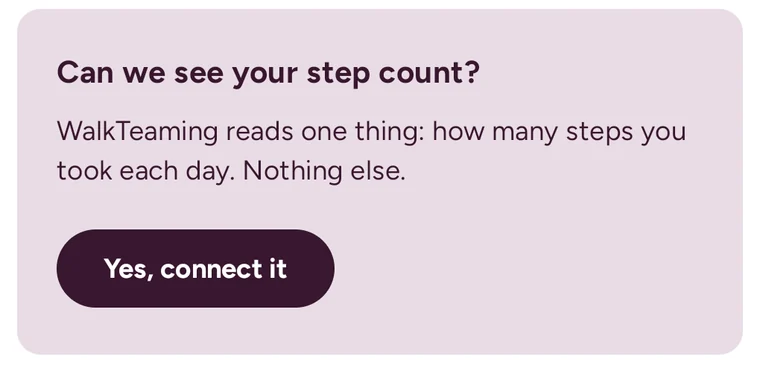
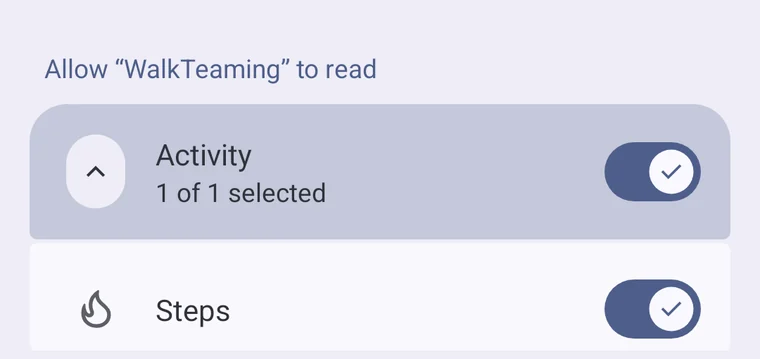
The app asks for one thing: how many steps they took each day.
Two months free, then $7.99 a month. The store shows the price before they confirm.

Their steps appear right away, and they are placed on a team.
Shown on Android. On iPhone, the same questions come from Apple Health and the App Store.
Residents’ privacy is part of your job, so here it is in plain words.
Have a group together and a little time available? Jeremy can start there.
If the moment is busy, a short break, a slot later that day, tomorrow, or your next opening can work. Larger communities can discuss a recurring monthly visit for different floors, wings, and new residents.
For the talk, a place for residents to sit and see a phone demonstration is enough. For setup, ask interested residents to bring a charged iPhone or Android phone and be ready to use their app store account. Reliable internet helps everyone follow along.
During the session, InstallQuestions.com provides the iPhone and Android walkthroughs.
Download these PDFs to print, attach to an email, or share with your team.
The talk, setup, subscription details, what residents will see, and Jeremy’s contact information. Two pages.
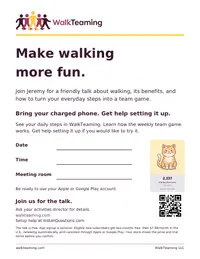
A large-print flyer with space to add the date, time, and meeting room.
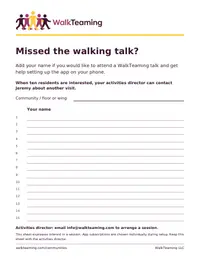
Let residents who missed the talk add their names. When ten are interested, contact Jeremy about another visit.
No. The talk and the setup help are free. Residents who decide to join pay for their own membership through Apple or Google Play.
An iPhone or Android smartphone, charged, and the password for their Apple or Google account so they can download the app. Most phones count steps on their own, so no watch is needed.
WalkTeaming runs on smartphones, so they would not be able to join the game. They are welcome at the talk, which is about walking and its benefits for everyone.
Every step shows on the counter. A day counts for the team at 2,337 steps, and the handicap measures each person against their own usual day, so a modest walker who improves helps the team as much as anyone.
Yes. They link up in the app, and when the next month’s teams are drawn they are placed together.
Yes. Anyone with a smartphone can join. Staff who link up with residents can be drawn onto the same team.
Memberships are managed in the resident’s own Apple or Google Play settings. The You page in the app has a button that opens them.
Residents can attend the presentation free of charge. Eligible new app subscribers get two months free, followed by $7.99/month in the U.S., renewing automatically until canceled through Apple or Google Play. The store shows the price and trial terms before they confirm.
Jeremy explains the subscription during setup. Residents who want to think it over can keep the website address and decide later.
Email Jeremy